
Author: Traveller
-
Turn off AI suggestions on VSCode
Do you want to turn off AI suggestions on VSCode? Step 1. Preferences: Open User Settings Step 2. User -> Text Editor -> Suggestions -> Turn off Inline Suggest Step 3. Enjoy hand-coding without AI No longer showing the AI suggestions.
-
Dynamic Programming 1D Coin Change in Swift
DP is one of the hardest parts of coding interview. The actual code is very short. But defining the small problem and deciding how to reuse previous value is hard. In this post I’ll introduce a famous DP problem called Coin Change. You are given coin denominations and a target amount. You can use each…
-
Knuth-Morris-Pratt Algorithm in Swift
This algorithm is useful for finding matching patterns in a string.The concept is very clever, but I found it difficult to understand at first. So, I decided to visualize it First, Let’s learn what LPS is LPS is the length of the longest prefix that is also a suffix,excluding the entire string itself. In the…
-

VS Code Setup for C/C++ Project: Part 2 CMake
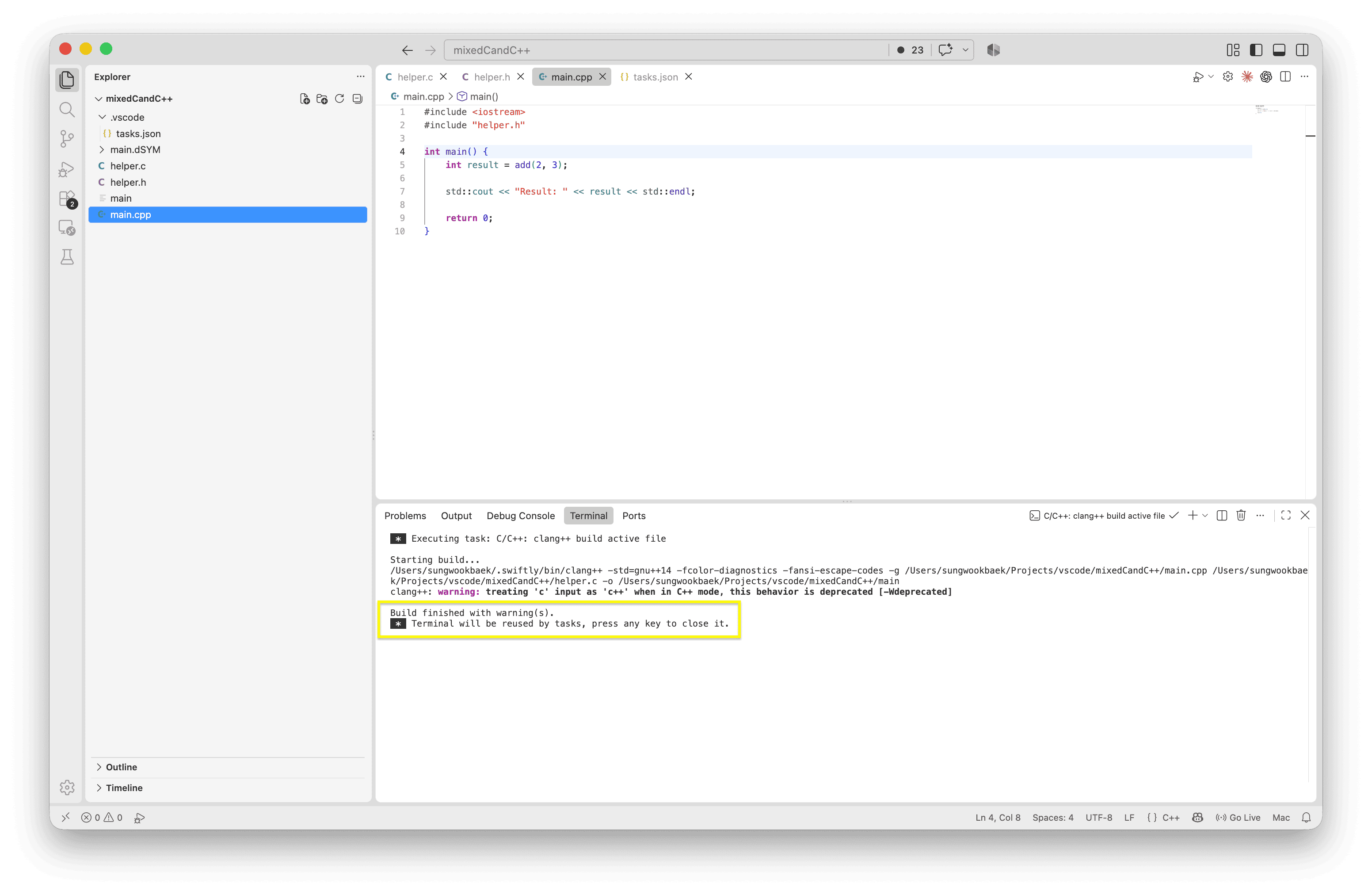
Please check this post before reading this. Step 1. Install CMake Tools extension by Microsoft Install CMake Tools Check cmake version on terminal Step 2. Add CMAKELists.text Clean up project folders that generated by VS Code Setup for C/C++ Project: Part 1. Step 3. CMake: Configure Step 4. Let’s build program using CMake: Build Select…
-
VS Code Setup for C/C++ Project: Part 1
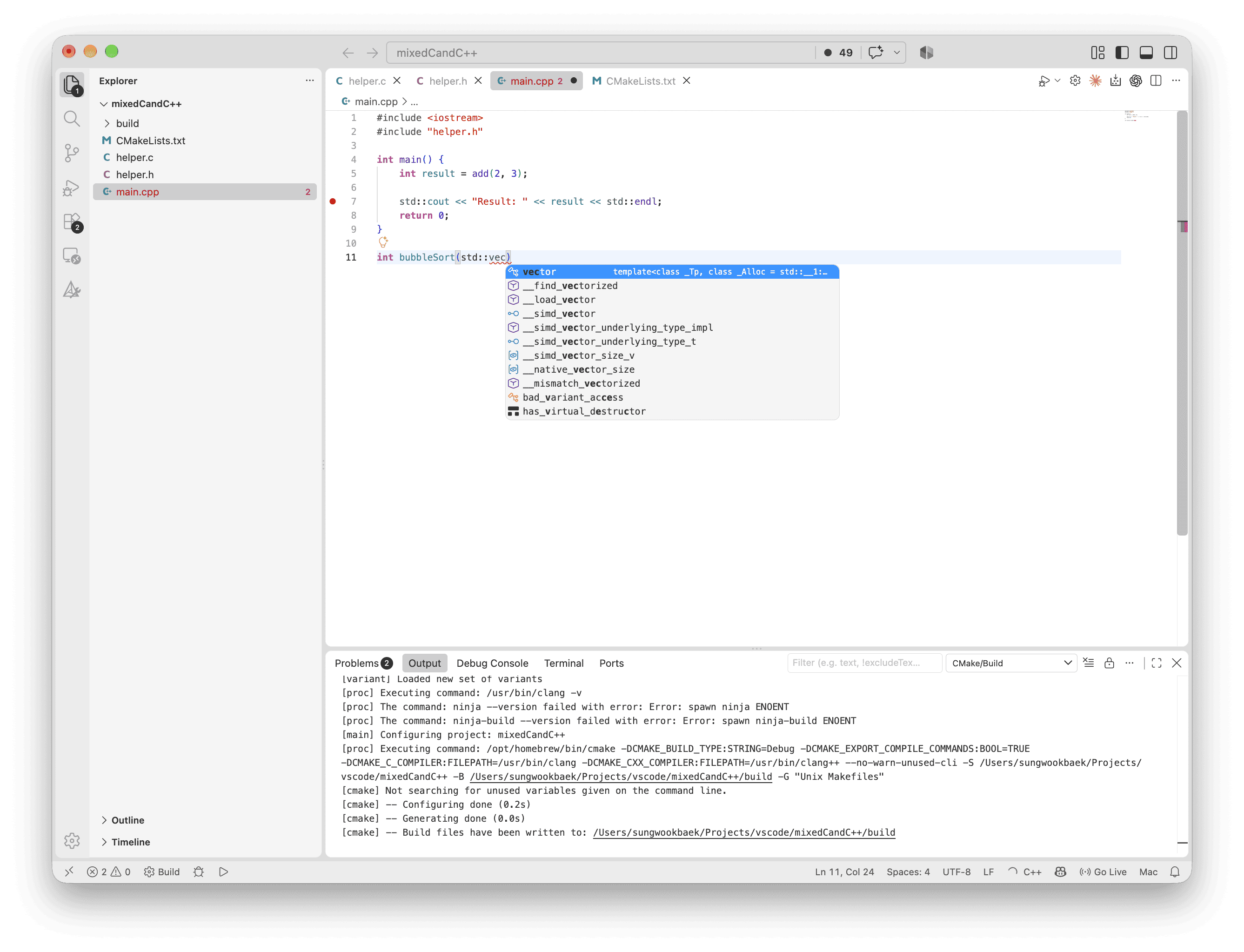
This is series of the VS Code related posts. I’ll skip the repeated VS Code install steps. If you want to know basic steps, please check this post. Step 1. Create working folder Step 2. Install C/C++ Extension by Microsoft There are a lot of C/C++ extensions. For the basic setup, You only need the…
-
VS Code Setup for Swift Project
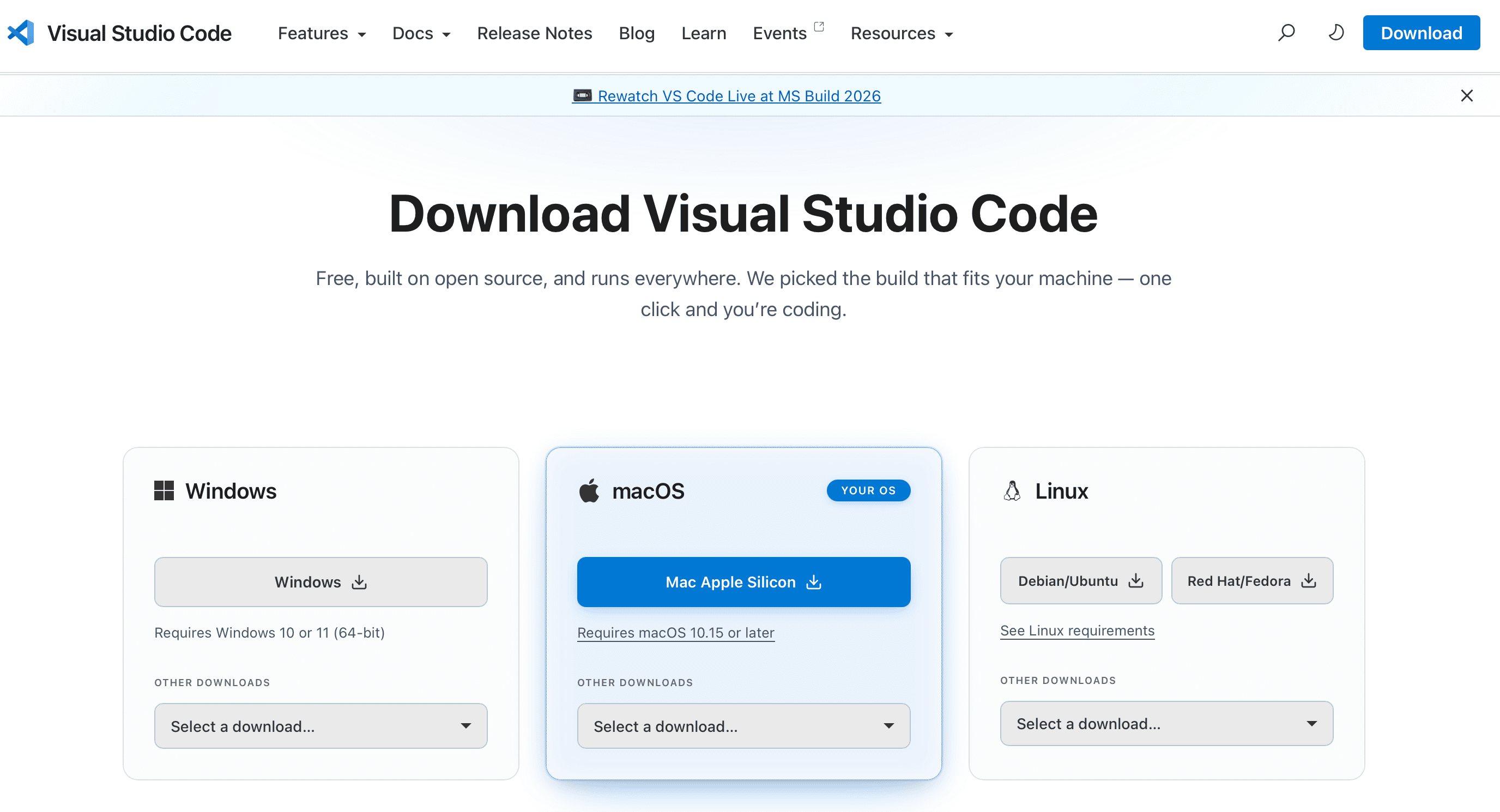
VS Code is not an IDE (Integrated Development Environment). It is code editor. So If you want to run and debug code, have to do some extra steps. I highly recommend reading this article. You may think I know what VSCode is. But some parts you may not know. Step 1. Download and Install VS…
-
How to Connect pgAdmin 4 to a Private Amazon RDS for PostgreSQL Database via AWS SSM
This post I assume you already use Cloud9. Step 1. Create IAM Role: SSM IAM -> Roles -> Create Cloud9SSMRole Reference: https://docs.aws.amazon.com/en_en/systems-manager/latest/userguide/systems-manager-setting-up-messageAPIs.html Step 2. Attach the IAM role to the Cloud9 EC2 instance EC2 -> Instances (Check Cloud9 EC Instance, set IAM Role) Step 3. Activate and verify the SSM Agent Cloud9 EC2 instance already…
-
How to Configure WordPress.com MCP in the Codex App
Learn how to connect WordPress.com to the Codex app using the official MCP endpoint, authenticate your account, and manage site content securely.
-
Enable Vertical Tabs in Google Chrome
Learn how to enable Chrome’s Vertical Tabs experiment and switch tabs to a vertical sidebar from the View menu.
-
macOS Native App Review #1: Fork Git Client
A hands-on review of Fork, a fast native macOS Git client for managing branches, commits, diffs, and repositories from the terminal.



You must be logged in to post a comment.