Do you want to turn off AI suggestions on VSCode?
Step 1. Preferences: Open User Settings

Step 2. User -> Text Editor -> Suggestions -> Turn off Inline Suggest

Step 3. Enjoy hand-coding without AI

No longer showing the AI suggestions.

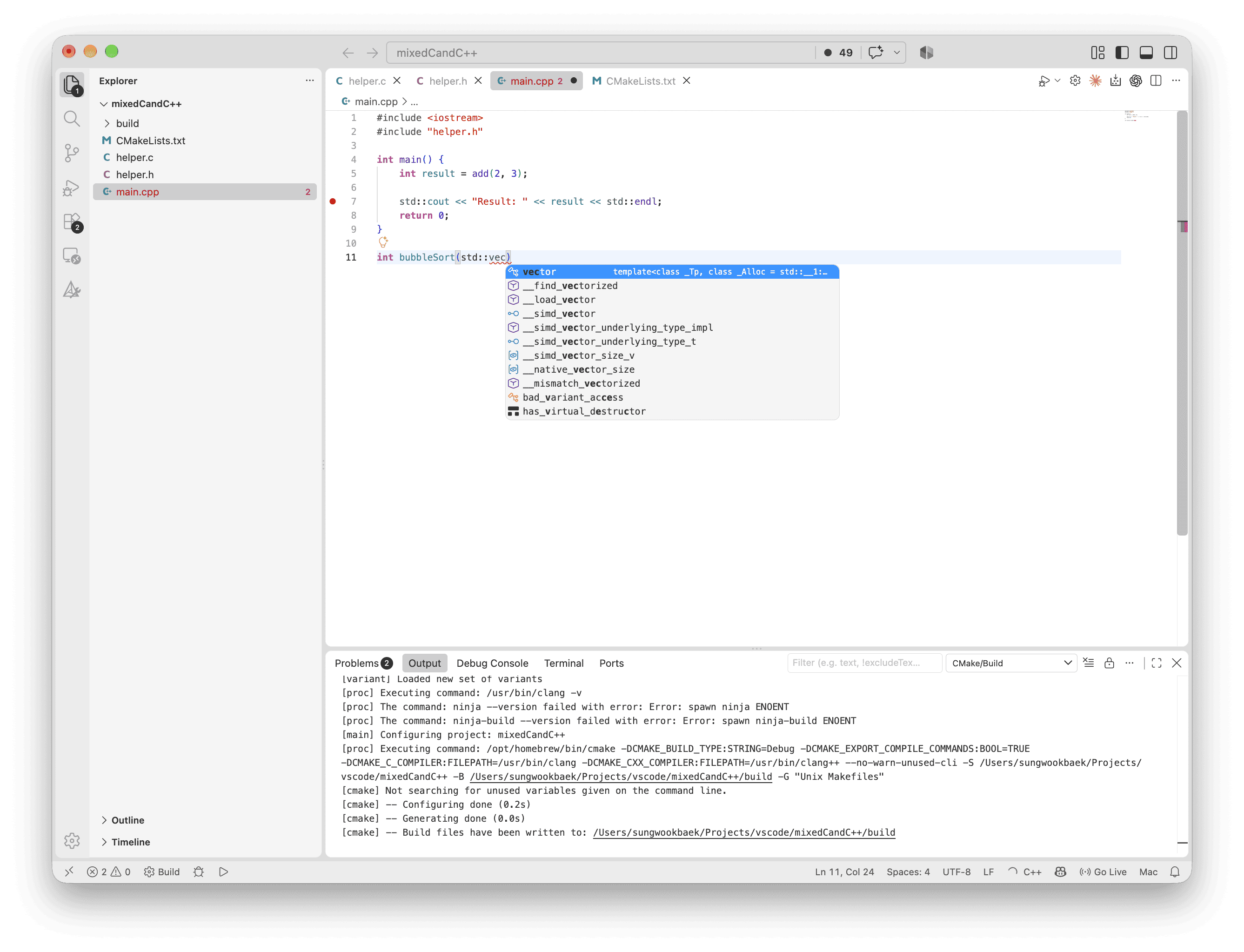
Do you want to turn off AI suggestions on VSCode?
No longer showing the AI suggestions.
Leave a Reply